
An expert appellate workflow for Claude and ChatGPT.
Without building it yourself.
Keep improving the argument up to the deadline. DocketDrafter keeps the tables, cite check, and appendix in step.
Appendices you describe, not assemble.
Tell your assistant what goes in through Claude or ChatGPT, the way you'd tell your paralegal. DocketDrafter builds the PDF, with tabs, index, and bookmarks. No Acrobat.
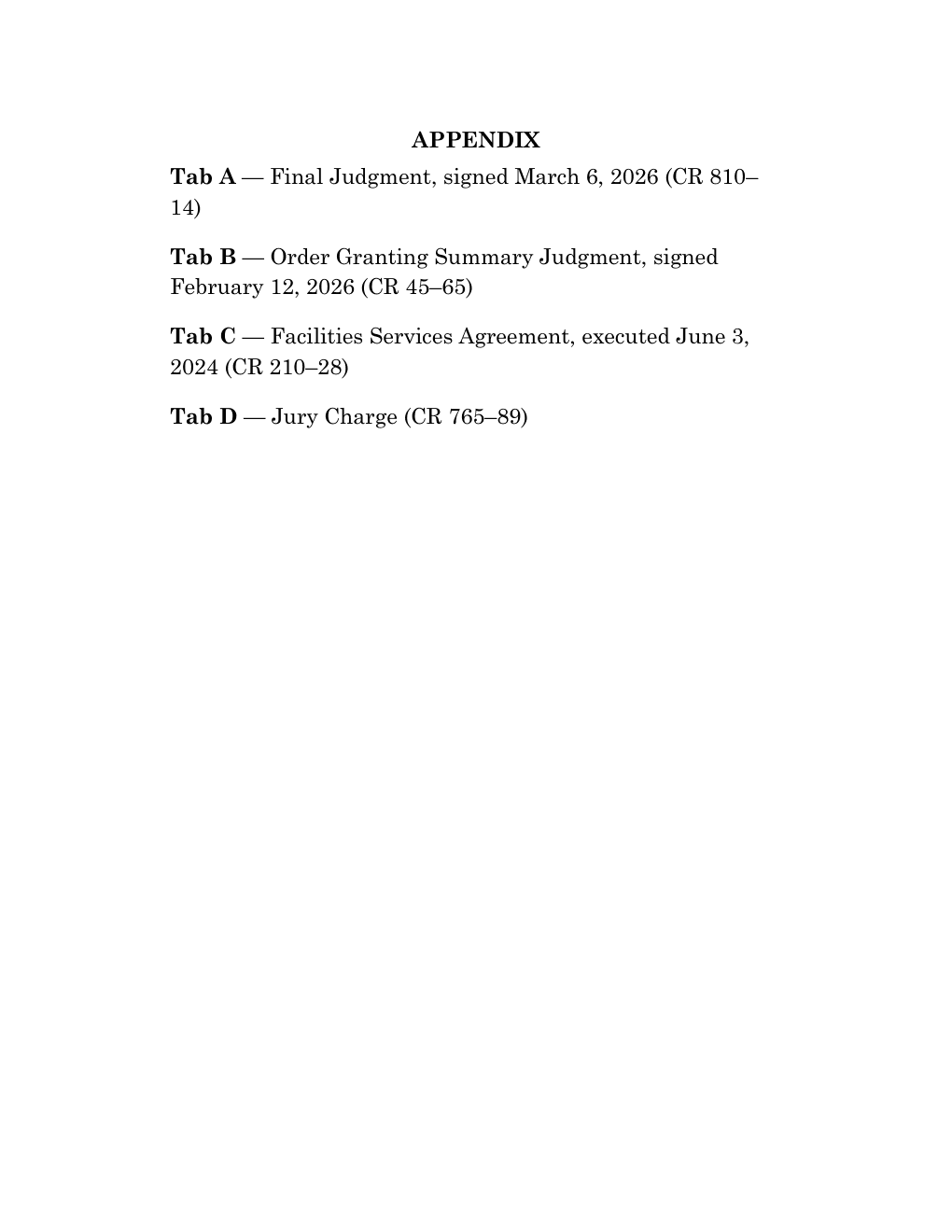
Use DocketDrafter to move the judgment to Tab A and add the jury charge.
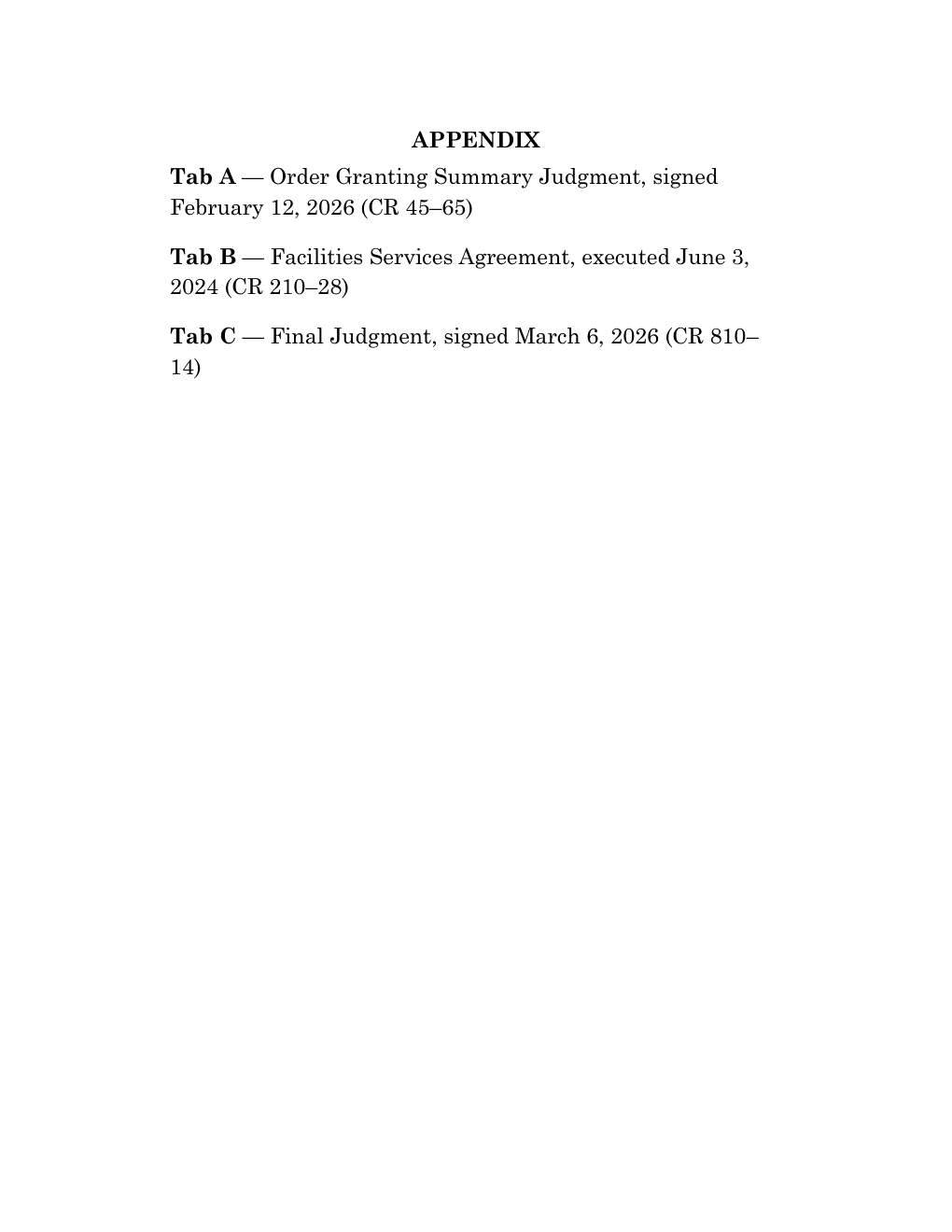
Before
The summary-judgment order does not resolve whether a signed report was furnished. CR 45–65 (Apx. A).
After
The summary-judgment order does not resolve whether a signed report was furnished. CR 45–65 (Apx. B).
The appendix rebuilds, and every “Apx.” cite in the brief is relabeled to match. Before filing, DocketDrafter flags any record cite missing from the appendix and any tab the brief never cites.
Tables that are right every time.
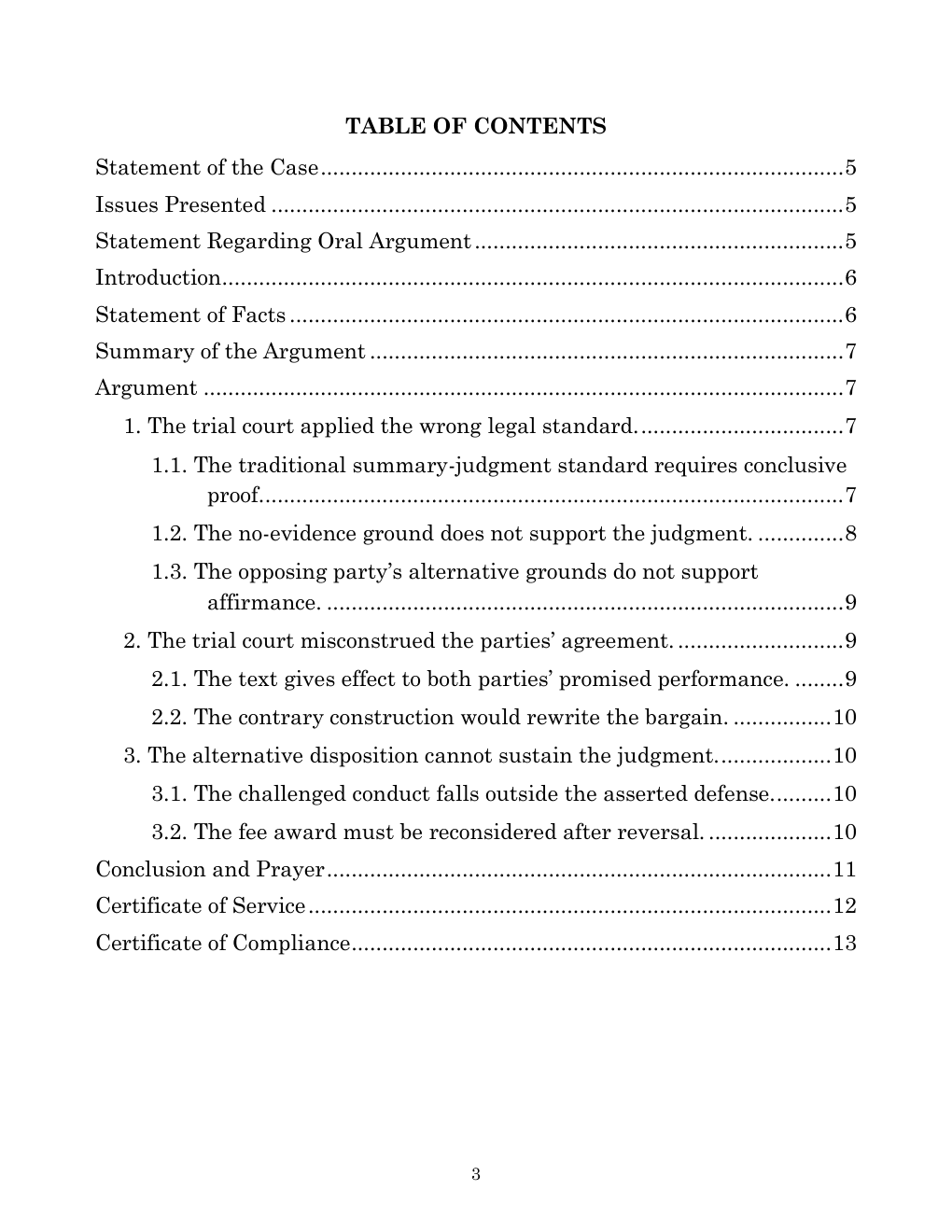
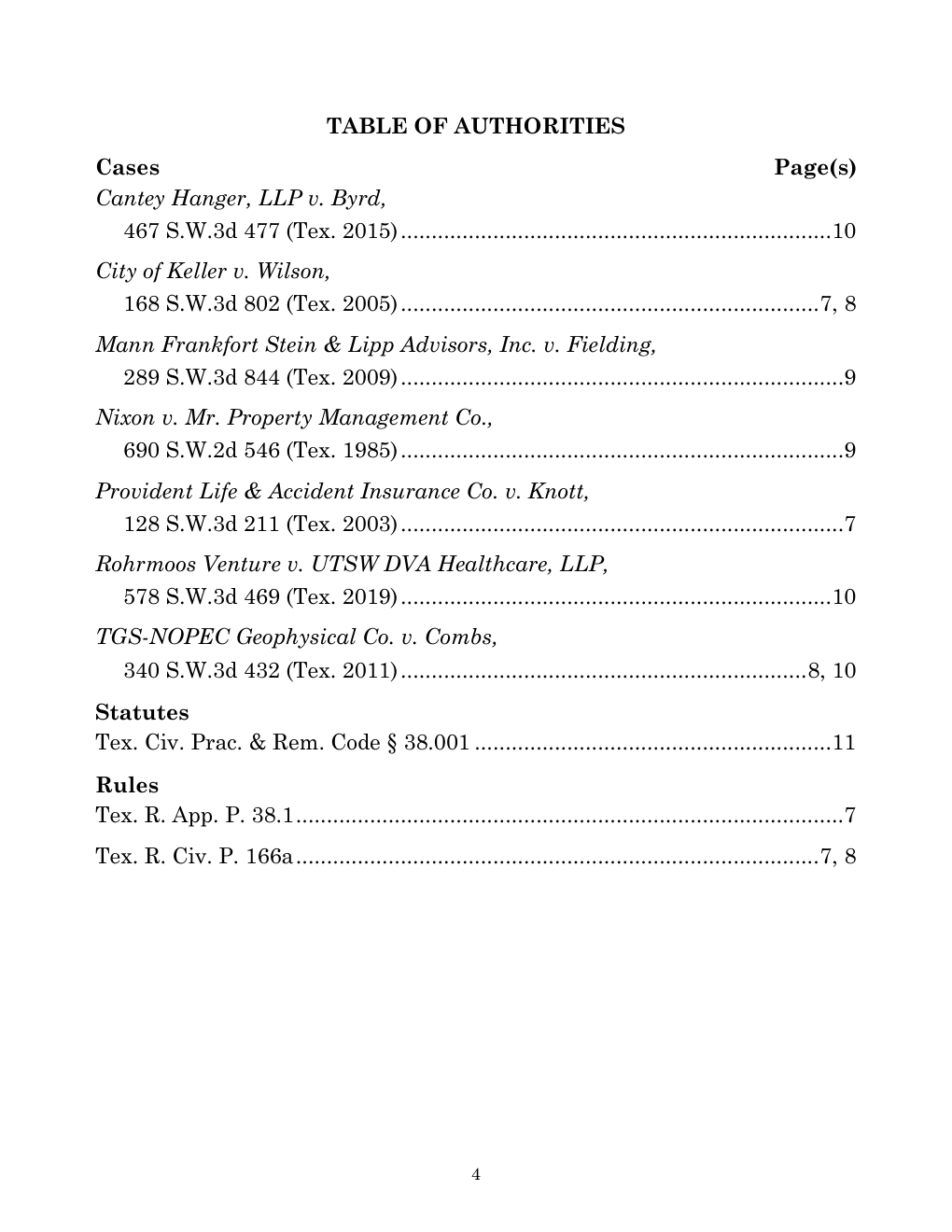
Tables and page numbers stay current as the brief changes. No Mark Citation marathon. Ask your assistant to link citations in the brief and table of authorities so judges and clerks can open opinions directly on Westlaw, Lexis, or another source you choose.
Use DocketDrafter to add clickable source links to the citations in the brief and the table of authorities.
Know which citations need another look.
Ask your assistant to start a cite check. Record each review, flag questions, and revisit citations affected by later edits.
Use DocketDrafter to cite check this brief.
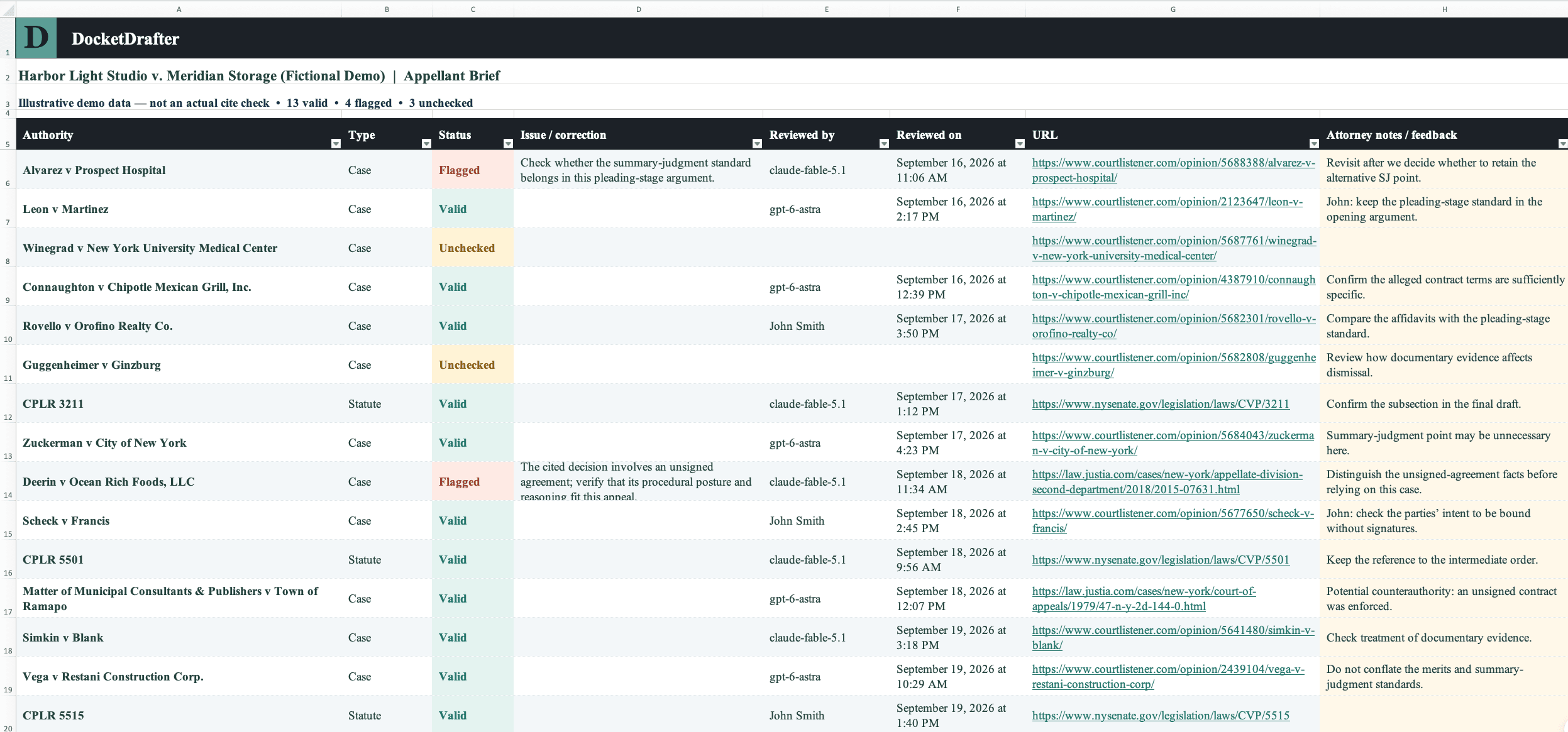
DocketDrafter builds a spreadsheet of the brief's authorities, with space to flag issues and record each review.
A week of work, one brief.
Ask your assistant what changed. See who did what and when, compare drafts, and return to an earlier version without hunting through downloaded files.
Use DocketDrafter to show me everything that changed in the past week.
- Ronald McDonaldCorrected a clerk’s-record cite and refreshed the tables after the final edits.
- Perry MasonCompared the revised argument with Wednesday’s draft; kept the new opening and restored the original conclusion.
- Elle WoodsAdded the summary-judgment authority and revised the standard-of-review section.
- Perry MasonIncorporated Word edits into the working brief and generated a redline.
- Ronald McDonaldReturned Word review with edits to the statement of facts and record citations.
- Perry MasonReworked the introduction to lead with the contract-construction issue.
DocketDrafter keeps one working brief with a complete history. Try an aggressive rewrite, compare it with yesterday's version, and go back if it isn't better. No more brief-v7-final-FINAL.docx.
Start where the power users ended up.
The appellate lawyers getting the most out of Claude didn't get there with a clever prompt. They spent months building a system: brief templates, style guides, research connectors, cite-checking skills, and a way to keep versions straight. It works, and it takes constant upkeep.
DocketDrafter gives you that system on day one, set up for your courts, templates, and style, and we maintain it. No skills, Projects, or prompts for you to keep up. You keep the assistant and research tools you already use.
Ready on day one. Maintained over time.
The appellate workspace stays current. DocketDrafter updates supported court formats, improves document workflows, and maintains connections to supported agents.
Customization remains optional. Start with the house workspace, then let us add your brief templates, house style, or recurring workflows when useful.
Two 45-minute workflow and coaching sessions per firm, every month. Use them for onboarding, prompting, matter context, connecting other tools, or getting a recurring workflow running. Ordinary email support remains included separately.

Tommy Eberle
Co-Founder/CEO
DocketDrafter
Your sessions are with Tommy, who helps attorneys move from experimenting with AI to completing real legal work with it.
No AI expert required
- No programming or vibe coding
- No Projects or skills to maintain
- Practical help with prompting and review
$299per paid user / month
Month-to-month. No annual contract or setup fee. Cancel anytime; cancellation takes effect at the end of the paid month.
Unlimited cases, documents, and revisions for your firm's ordinary legal work.
No per-document charges or case caps.
- Appellate workspace with Word and PDF output
- 30-minute onboarding call and hands-on first-month implementation
- Template and letterhead customization and ongoing maintenance
- Two 45-minute workflow and coaching sessions per firm each month
- Ordinary email support, separate from your sessions
- Administrative-only accounts do not consume paid seats
- Anyone can review exported Word and PDF files without an account
30-day money-back guarantee. If DocketDrafter is not right for your firm, let us know during your first month for a full refund.